Platform Authorization
Notes:
【Store Type Irreversible】When authorizing, be sure to select the correct store type. Once authorized, it cannot be modified and can only be deleted and re-authorized.
【Data Risk】Deleting store authorization will permanently clear all data and it cannot be recovered.
Unified Store Operations Log in to your ONE International Logistics account → Go to 【Store Management】 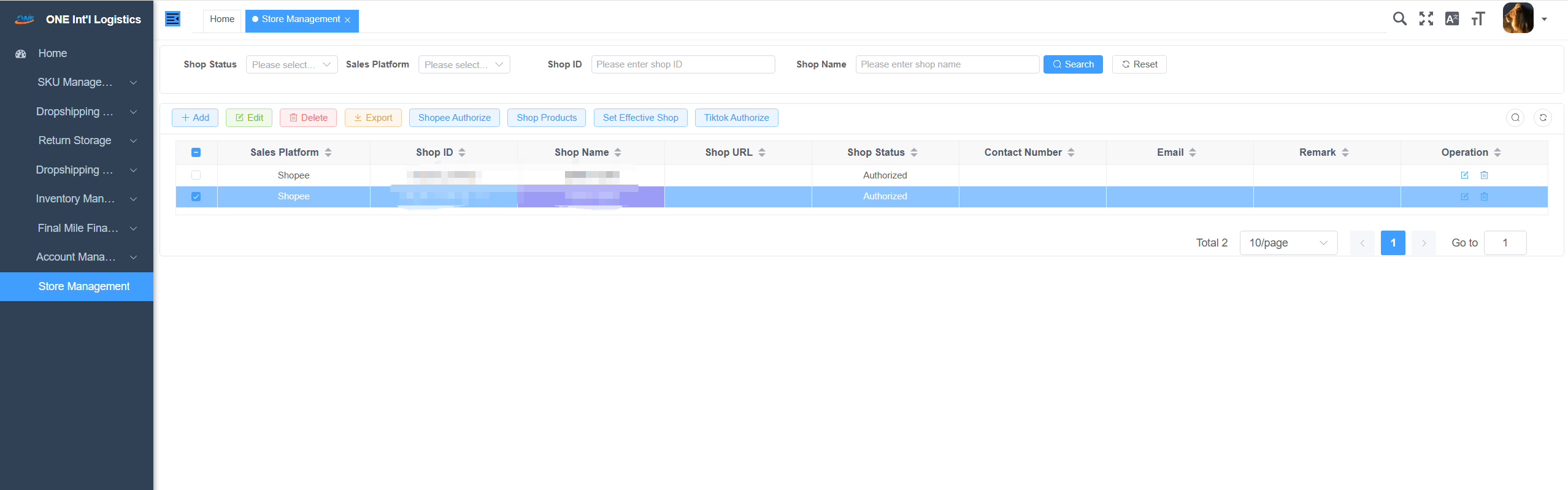
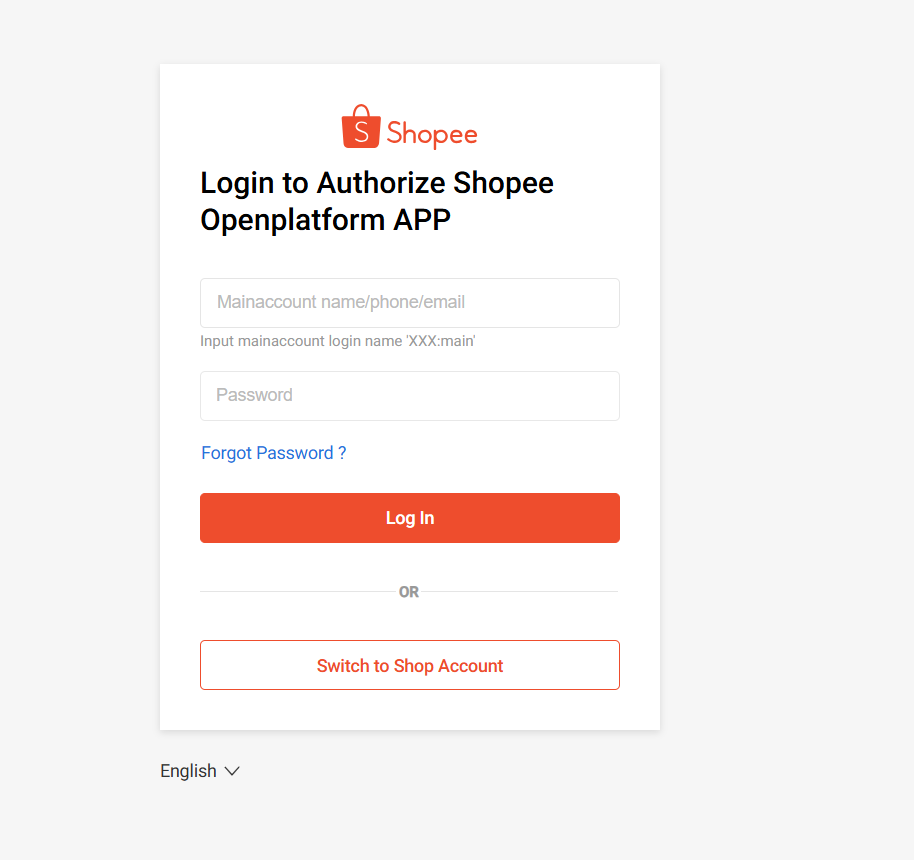
Click 【Add Store】 → Select Store 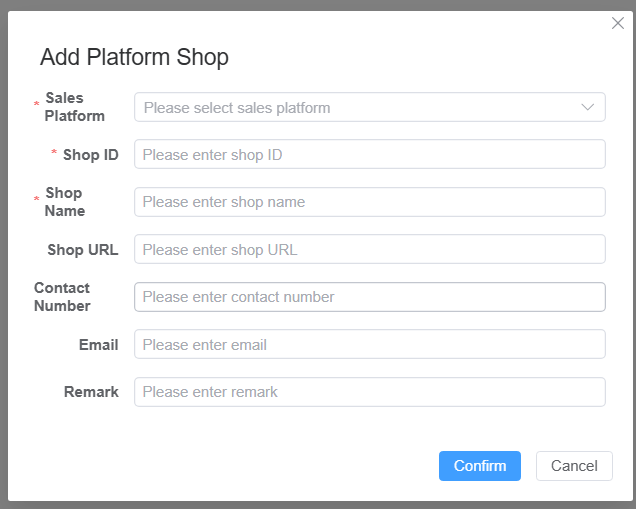 Store Authorization—Shopee Operation Steps: Click the button 【Shopee Authorization】 Jump to 【Shopee Login】→ Confirm 【Authorization account is consistent with login account】
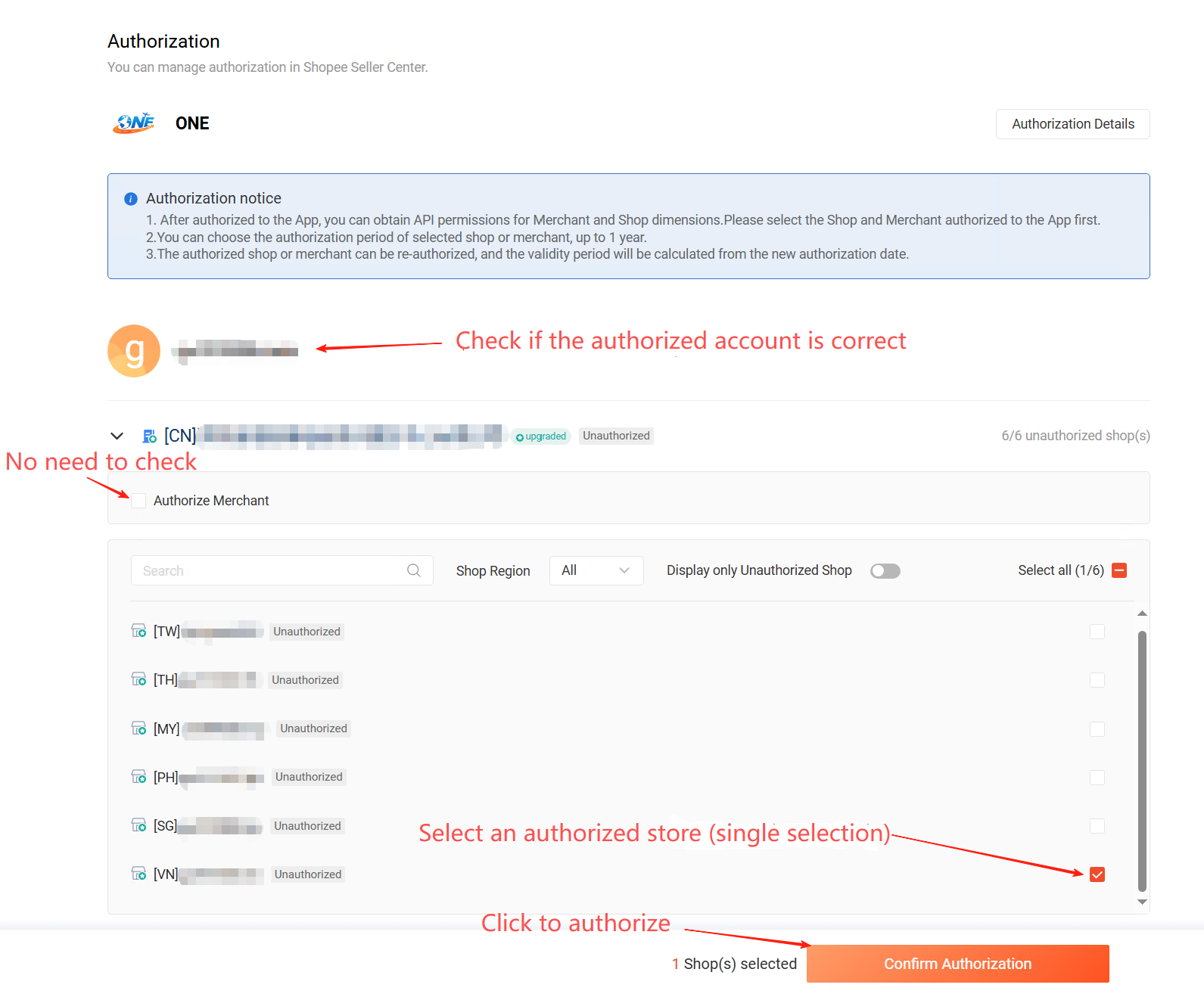
  After the main account logs in successfully, select the store to authorize and click 【Authorize Store】
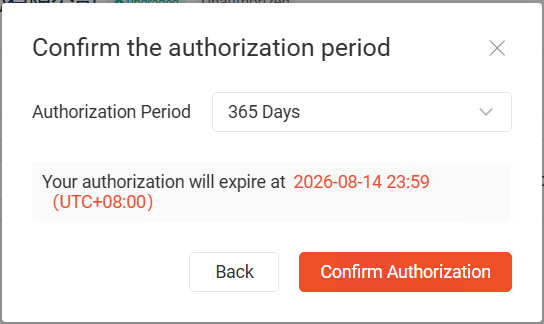
  After clicking the [Confirm Authorization] button, a prompt will ask if you want to authorize. Click the 【Continue Authorization】 button, then select the authorization period. After confirming the authorization period, click the [Confirm Authorization] button.
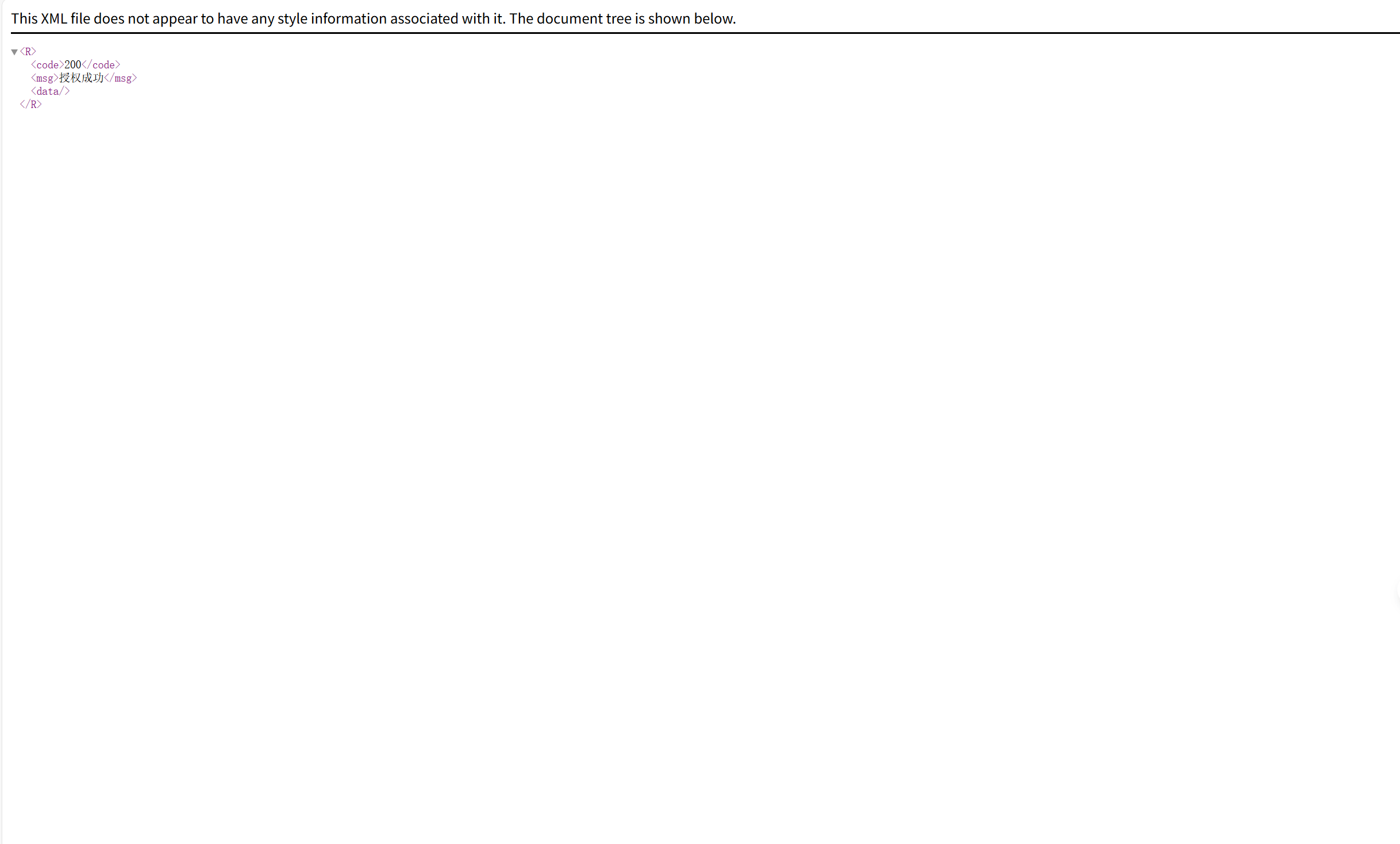
  Upon successful authorization, "Authorization success" will be displayed, and it will jump to
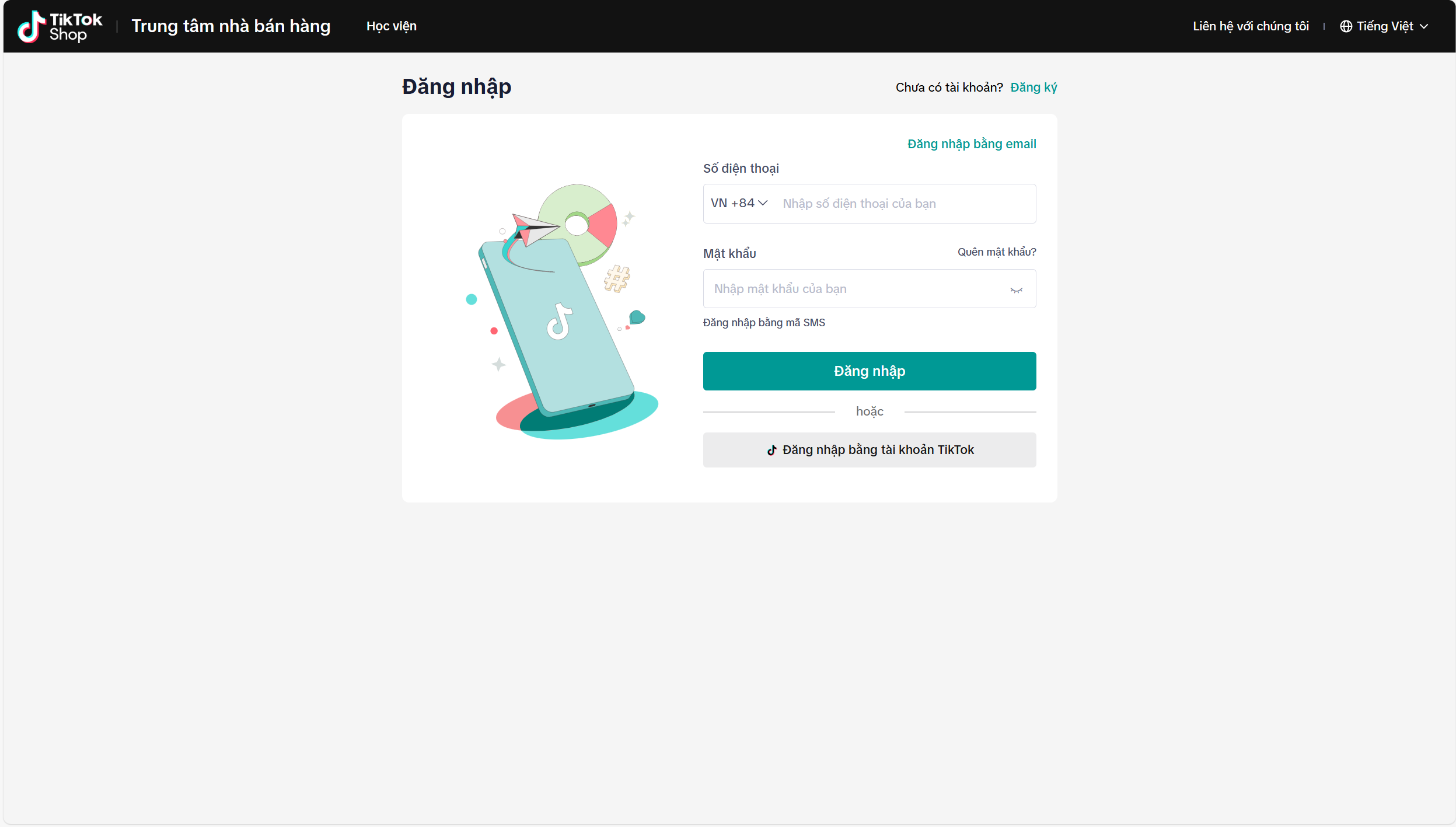
  Store Authorization—Tiktok (Vietnam) Operation Steps: Click the button 【Tiktok Authorization】 Jump to 【Tiktok Login】→ Confirm 【Authorization account is consistent with login account】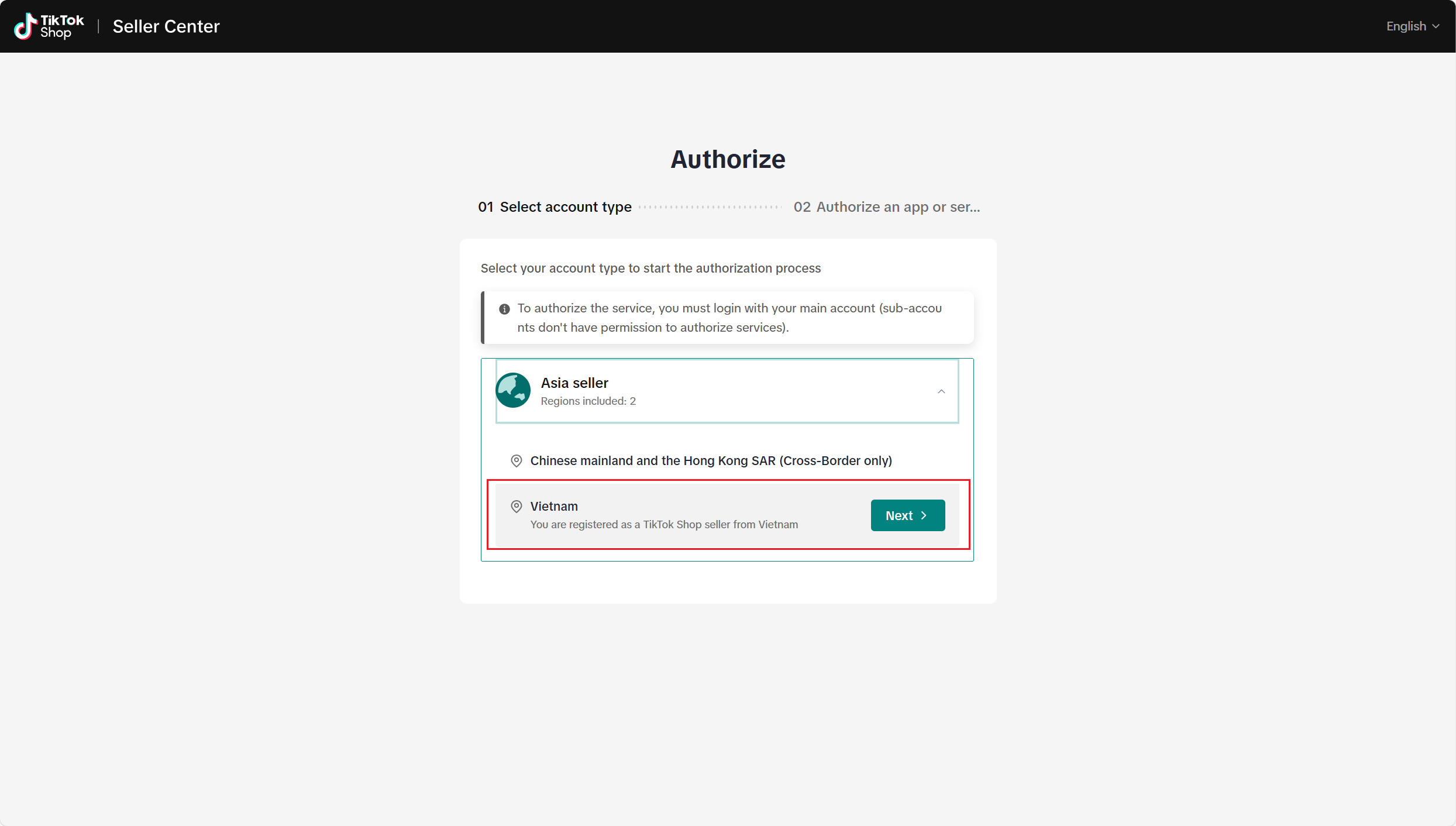
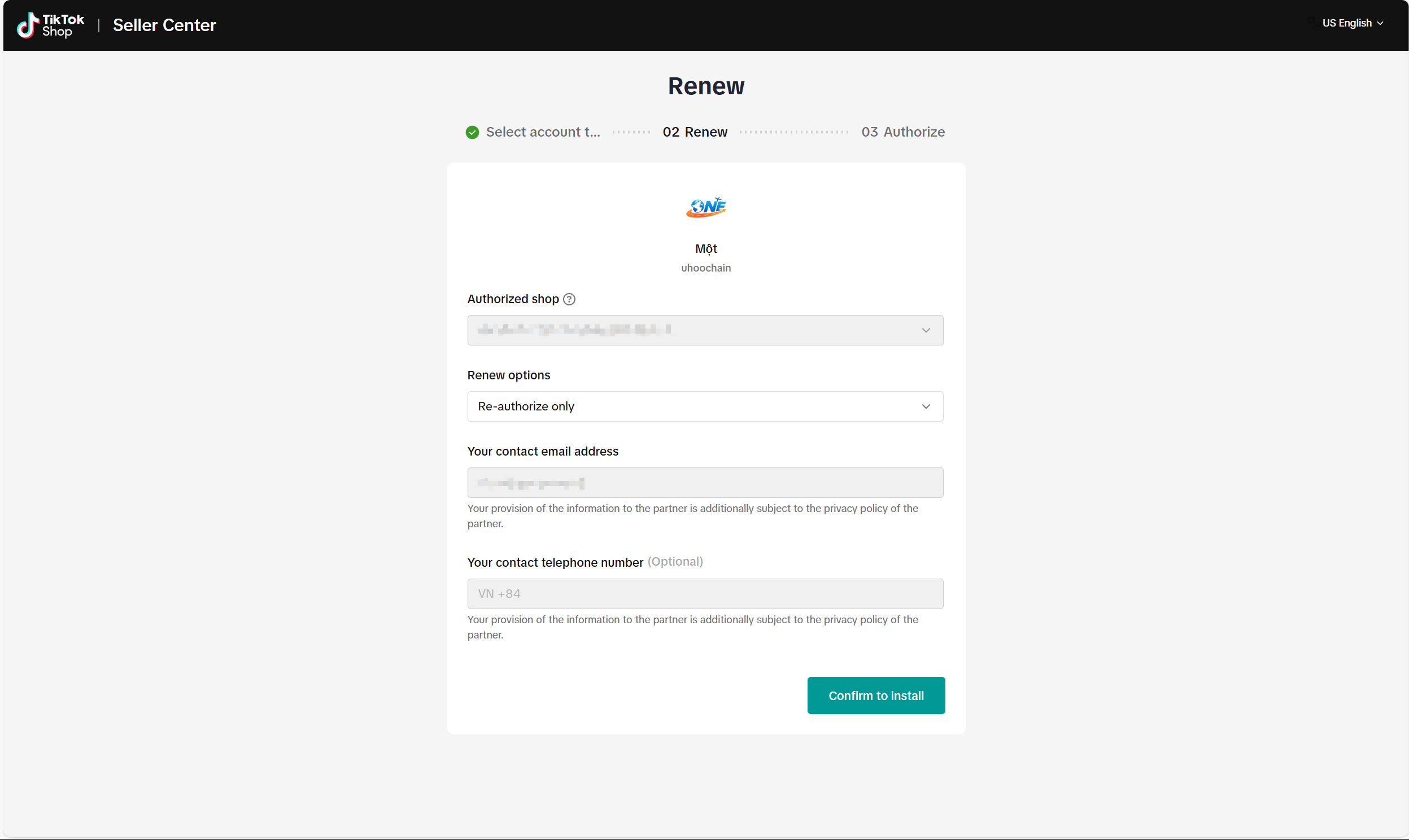
 After the main account logs in successfully, select authorization and click 【Confirm to install】
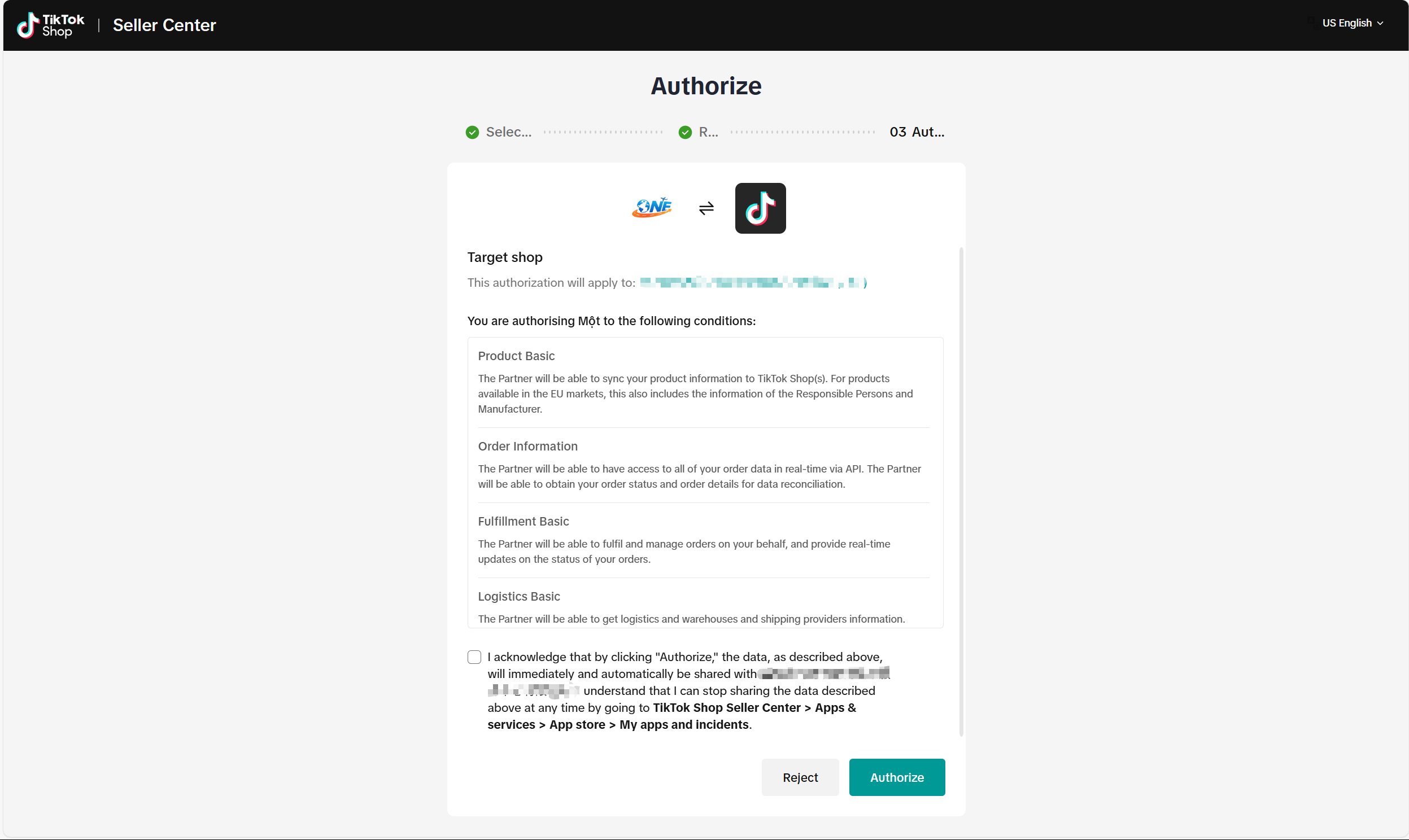
  Check Authorization
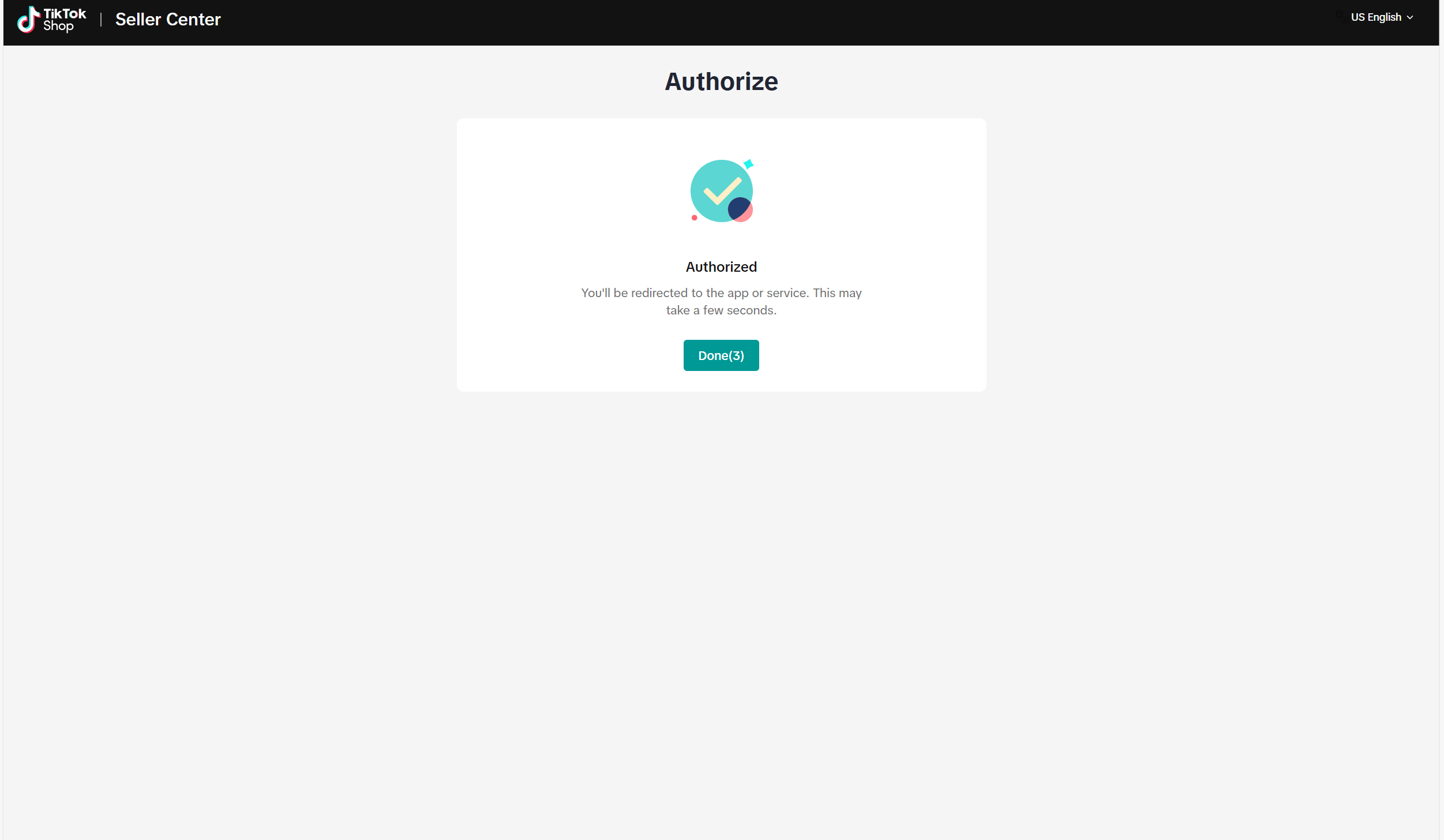
  Authorization Successful